Mga Post

Starting your own BLOG

Imahe
In the virtual world of worldwide web, blogs are everywhere. You may have opened it with intention or not-- when you are searching for something and it such happen that there is a blog that discusses that concept. While reading this, you are already intentionally reading a kind of blog. :) Because of this, many blog sites came out. Some are user-friendly, some are not (only IT experts could create). Examples of blog sites are: Wordpress, Blogger, Ghost, Tumblr, Weebly, Medium, Wix, Squarespace, Penzu, etc. In this blog, you will use Blogger as a starting point in creating your first blog. What you need: 1. Gmail Account 2. Computer 3. Internet Step 1. Click Ctrl then click  https://www.blogger.com . Step 2. Click sign-in and then log-in you Gmail account with your e-mail address and password. Step 3. For your first blog's template:                         >type the title of the blog on ...
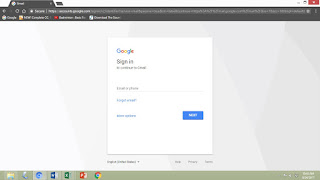
How To Create your Own Personal Gmail Account

Imahe
To create your gmail (Google Mail) account, you need the following: 1. An existing e-mail account or a phone number 2. A computer 3. An internet connection (OF COURSE!!!) Now that you have the aforementioned needed, you can now do the following steps: Step 1 . Right click then click open link in new tab:  mail.google.com  to open the google mail webpage. Step 2. Now that you have the log-in page of Gmail, click More Options then click Create Account. Step 3. Fill in the needed information: Name (First and Last), Username (added with  @gmail.com , this will be your email address), Create a password, Confirm your password (encode again the password), Birthday (Month, Date and Year), Gender (Male or Female), Mobile Phone, then your current email address (your Yahoo acount), then click Next Step. Step 4. Under Privacy Terms, click arrow down again and again until the lowest portion of the page then Click I Agree . Step 5.  Your account ...